Why Your Cold Emails Land in Spam (And How to Fix It)
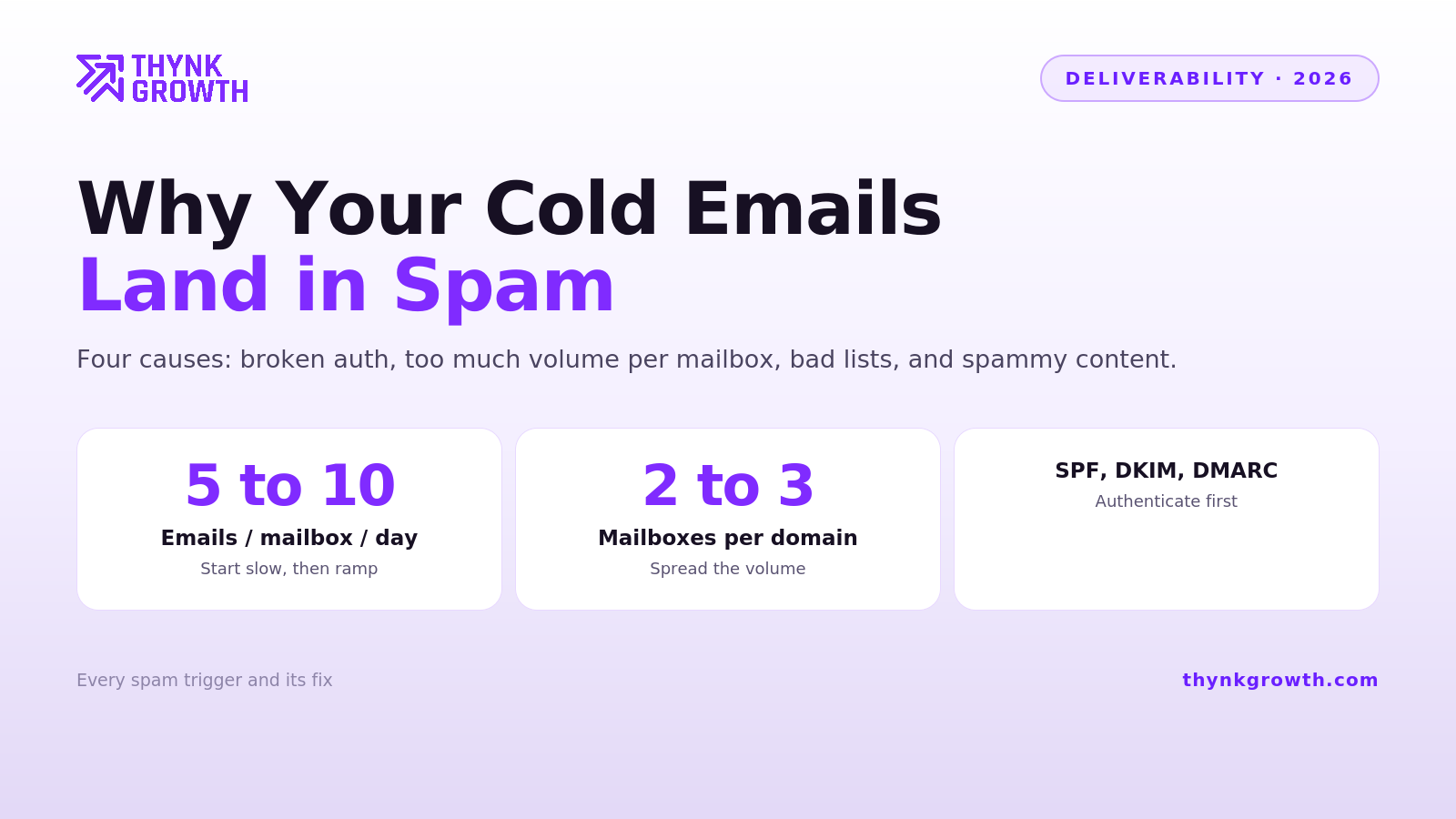
Cold emails land in spam for four reasons: broken or missing authentication (SPF, DKIM, DMARC), sending too much volume from too few mailboxes, poor list quality that generates bounces and spam complaints, and content patterns that trip filters. In almost every deliverability audit we run, the problem is one of the first three. Content is the thing everyone blames and the thing that matters least.
This post is the diagnostic we actually use, in the order you should check things.
First, understand what changed
Google and Microsoft tightened bulk sender requirements hard starting in 2024, and enforcement has only ratcheted up since. In 2026, the practical rules are:
Authentication is mandatory, not optional. No SPF and DKIM alignment means no inbox, full stop.
Spam complaint tolerance is razor thin. Sustained complaint rates above roughly 0.3 percent will get a domain suppressed.
Reputation is tracked per domain and per mailbox, and it moves slowly. You cannot fix a burned domain with a good week.
Everything below follows from those three facts.
Fix 1: Get your authentication records right
Check SPF, DKIM, and DMARC on every sending domain. Not just “records exist,” but records are correct and aligned:
SPF authorizes your sending service to send on behalf of your domain. One record per domain, under 10 DNS lookups.
DKIM cryptographically signs each email. Your sending platform provides the key, you publish it in DNS.
DMARC tells receiving servers what to do when SPF or DKIM fails, and gives you reporting. Start at p=none to monitor, move to p=quarantine once clean.
If you are provisioning mailboxes through a managed provider like Inboxkit, this is handled at setup for both Google Workspace and Microsoft 365 mailboxes, which is honestly the main reason we recommend managed infrastructure to most teams. Manual DNS setup is not hard, but it is easy to get subtly wrong, and subtly wrong SPF is invisible until your campaigns quietly die.
Fix 2: Never send cold email from your main domain
Your primary company domain carries your transactional email, your team’s daily correspondence, and your brand’s long-term sending reputation. Cold outreach, even well-run cold outreach, generates some bounces and complaints. Keep that risk on secondary domains.
The standard 2026 architecture:
Register 2 or more secondary domains close to your brand (yourcompany-hq.com, tryyourcompany.com).
Point them to your main site with a redirect.
Provision exactly 3 mailboxes per domain, no more.
Send cold campaigns exclusively from these.
If a secondary domain gets burned, you retire it and rotate in a new one. Your main domain never takes the hit.
Fix 3: Respect per-mailbox volume limits
The single most common cause of spam placement we see: teams sending 150 or more cold emails per day from a single mailbox. That volume pattern looks nothing like a human and everything like a spammer, because it is the spammer pattern.
Safe 2026 numbers:
15 cold emails per mailbox per day, plus around 15 warmup emails per mailbox running alongside. This applies to both Google Workspace and Outlook infrastructure.
No more than 100 total emails per domain per day, all mailboxes and warmup included. With 3 mailboxes per domain at 15 cold plus 15 warmup each, you land at 90, safely under the cap.
Ramp up gradually. A new mailbox starts at 5 to 10 per day and climbs over 2 to 3 weeks.
Scale volume by adding mailboxes and domains, never by pushing individual mailboxes harder.
If you need to send 500 cold emails a day, that is roughly 34 mailboxes across 12 domains. Yes, really. Platforms like Smartlead handle the rotation across mailboxes automatically, and providers like Inboxkit make provisioning that many mailboxes economical.
Fix 4: Warm up every mailbox before it works
A brand-new mailbox has no sending reputation. Blasting cold email from it on day one is the fastest way to start life in the spam folder. Warmup means gradually building a history of sent emails that get opened, replied to, and moved out of spam, which is what warmup networks automate.
Practical guidance: warm new mailboxes for 2 to 3 weeks before any cold sending, then keep roughly 15 warmup emails per mailbox per day running alongside live campaigns to maintain reputation, and never skip this on replacement mailboxes just because your campaign is already live.
Fix 5: Clean your list before every send
Bounces and spam traps do more damage per email than anything in your copy. Two rules:
Verify every address before it enters a campaign, using ZeroBounce or equivalent. Target a bounce rate under 2 percent. Over 5 percent and providers start treating you as a list buyer.
Only email people with a plausible reason to care. Tight targeting is a deliverability strategy, not just a conversion strategy, because irrelevant email is what generates spam complaints. The complaint button is the strongest negative signal that exists.
Fix 6: Then, and only then, worry about content
Once infrastructure, volume, and list quality are right, content adjustments are marginal gains:
Send plain-text style emails. No heavy HTML, no tracking-pixel-laden templates.
Limit links. Zero or one link in a first cold email.
Skip attachments and images entirely in cold sends.
Avoid open tracking if you can accept the data loss; tracking pixels are a known filter input, and open data is unreliable enough in 2026 that you are not losing much.
Spintax as much as possible. Sending the identical email body to hundreds of prospects creates exactly the repeated-content fingerprint filters look for, and spintax (randomized variations of words and phrases per send) breaks that pattern. The best version of this is not needing spintax at all: generate a genuinely unique email for every prospect, which AI-assisted personalization now makes practical, and there is no template fingerprint to detect in the first place.
Write like a person. Filters have gotten very good at recognizing template-shaped text, and so have recipients.
The 15-minute diagnostic, in order
Run your domain through a DNS checker. SPF, DKIM, DMARC all present and aligned?
Check whether your domain or mailbox IP is blacklisted. MXToolbox runs your domain against the major blacklists in seconds and tells you exactly which list flagged you. A blacklisted domain explains a sudden deliverability collapse faster than anything else on this list. If you want this monitored continuously instead of checked reactively, Inboxkit’s InfraGuard add-on checks your domains against 50+ blacklists every 6 hours and alerts you before campaigns feel it.
Check your recent bounce rate. Over 2 percent means a list problem.
Check per-mailbox daily volume. Over 15 cold sends means a volume problem.
Check mailbox age and warmup history. Under 3 weeks old means it was too early.
Only if all five pass, look at content.
Run these in order and you will find your problem before you reach step six in the vast majority of cases.
FAQ
Why are my cold emails suddenly going to spam?
Sudden drops usually mean a reputation event: a bounce spike from a bad list, a spam complaint cluster, or a volume increase that exceeded safe per-mailbox limits. Check bounce rates and recent volume changes first, then verify your authentication records have not broken.
How many cold emails can I safely send per day?
15 cold emails per mailbox per day in 2026, with about 15 warmup emails alongside, and no more than 100 total emails per domain per day. Scale total volume by adding mailboxes across multiple secondary domains, not by increasing per-mailbox sending.
Does email warmup still matter in 2026?
Yes. New mailboxes need 2 to 3 weeks of warmup before cold sending, and low-level warmup should continue alongside live campaigns to maintain reputation.
Do spam words in my subject line matter?
Far less than infrastructure, volume, and list quality. Modern filters evaluate sender reputation and engagement patterns first. Fix authentication, volume, and verification before rewriting copy.
Want this running for your pipeline?
Book a free strategy call. We map your outbound plan whether you work with us or not.
Book a free strategy call