How Many Mailboxes Do You Actually Need for Cold Outreach?
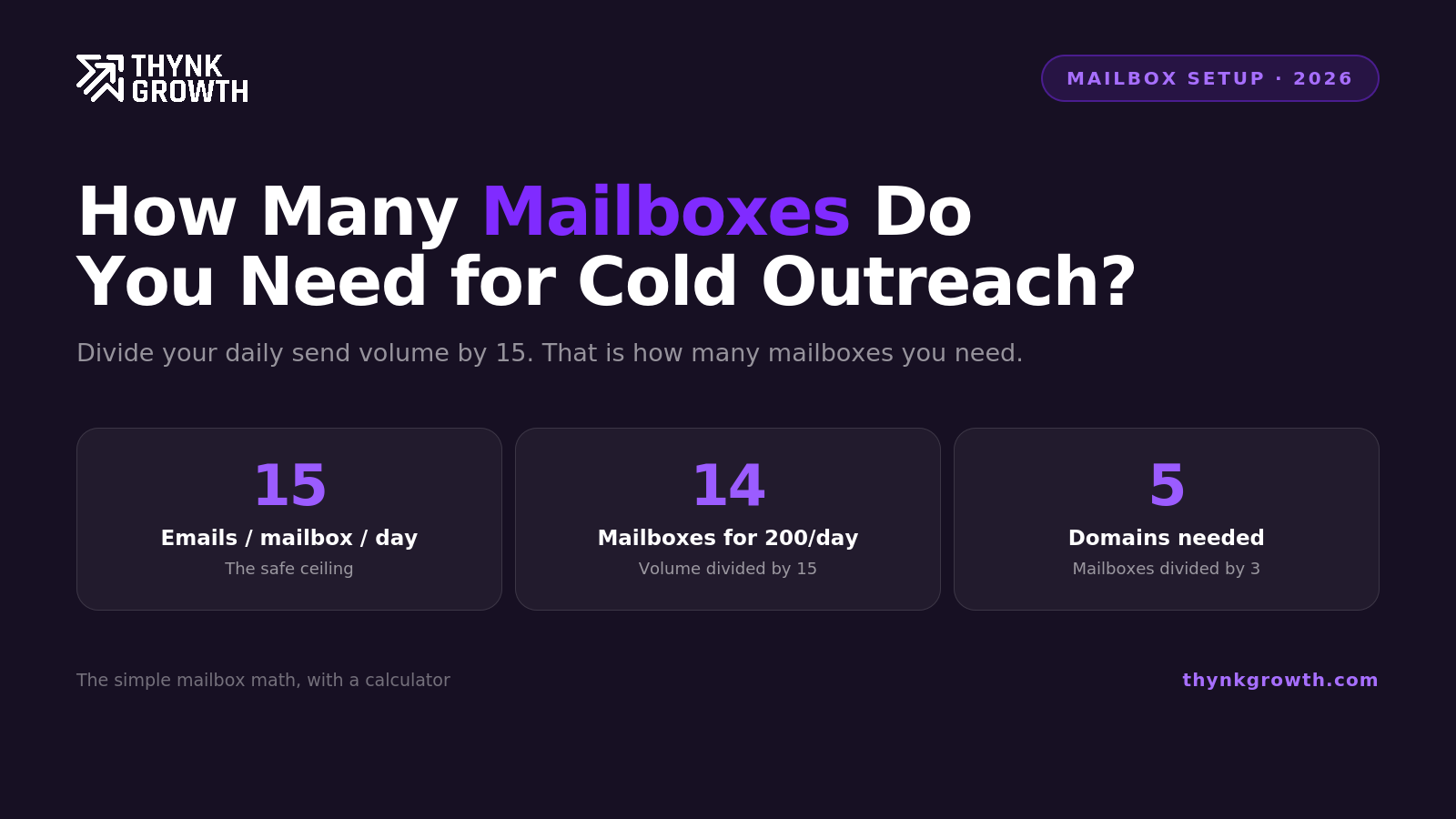
The short answer: divide your target daily send volume by 15, and that is how many mailboxes you need. Sending 200 cold emails a day requires about 14 mailboxes. Then divide mailboxes by 3 to get your domain count, so 14 mailboxes means 5 secondary domains. Everything else in this post is the reasoning behind those numbers and the adjustments for your specific situation.
I get this question on almost every discovery call, and the answers floating around online range from outdated to reckless, so here is the full math we use when sizing infrastructure for clients.
The three constraints that determine your answer
Constraint 1: Per-mailbox daily volume. In 2026, the safe number for cold email is 15 sends per mailbox per day, with roughly 15 warmup emails per mailbox running alongside. This rule holds for both Google Workspace and Outlook infrastructure. Follow-ups count against the same 15, which people constantly forget.
Constraint 2: Mailboxes and volume per domain. Exactly 3 mailboxes per domain, and no more than 100 total emails per domain per day, warmup included. Run the math and the two rules agree: 3 mailboxes at 15 cold plus 15 warmup each is 90 emails, comfortably under the domain cap. Pack 5 or 10 mailboxes onto one domain and you have concentrated your risk: one reputation problem takes down all of them at once, and the domain-level sending pattern starts looking automated.
Constraint 3: Warmup and rotation reserve. Some fraction of your fleet should always be warming rather than sending, so that when a mailbox’s performance degrades, a replacement is ready. We hold 20 to 30 percent in reserve on mature campaigns.
The formula
For a target of X cold emails per day, total including follow-ups:
Active mailboxes = X divided by 15
Reserve mailboxes = 25 percent of active, rounded up
Domains = total mailboxes divided by 3, rounded up
Worked examples
Startup validating outbound, 100 emails per day: 7 active mailboxes, 2 in reserve, so 9 mailboxes across 3 domains. This is the minimum viable setup we would put a name behind. Anyone telling you to run a real campaign off 2 mailboxes on your main domain is setting you up to burn your brand’s deliverability.
Growing team, 300 emails per day: 20 active, 5 reserve, 25 mailboxes across 9 domains.
Our recommended starting point for a serious motion: 30 mailboxes across 10 domains. That is 3 mailboxes per domain, roughly 450 cold emails a day of capacity at full ramp, and enough fleet to hold a proper warmup reserve. It is the configuration we deploy most often for new client campaigns, because it leaves room to scale up or rest mailboxes without re-provisioning.
Agency-scale or aggressive pipeline goals, 1,000 emails per day: 67 active, 17 reserve, 84 mailboxes across 28 domains. At this scale, managed infrastructure is not optional, it is the only sane way to operate.
Working backwards from meetings instead
Volume targets should come from pipeline goals, not the other way around. The back-of-envelope chain for a decent 2026 cold campaign:
1,000 prospects contacted
2 to 5 percent reply rate, so 20 to 50 replies
30 to 50 percent of replies positive, so roughly 8 to 20 positive replies
Half of positives convert to meetings, so 4 to 10 meetings per 1,000 prospects
If you need 10 meetings a month, you need roughly 1,000 to 2,000 new prospects a month entering sequences. With a 3-email sequence, that is 3,000 to 6,000 total sends a month, or 150 to 300 per working day. So: 10 to 20 active mailboxes. That is the honest math for most B2B teams, and it is smaller than the mailbox farms some providers will happily sell you.
These conversion numbers assume tight targeting and decent copy. Signal-led campaigns run better than this. Sloppy lists run worse, and no amount of infrastructure fixes targeting.
Where to get the mailboxes
You have three options in 2026:
1. Manual Google Workspace or Microsoft 365 setup. Maximum control, most work. You register domains, configure SPF, DKIM, and DMARC yourself, create accounts, and manage warmup. Entirely doable on either Google or Outlook at small scale, painful past 10 mailboxes, and the per-seat pricing gets silly at volume.
2. Managed cold email infrastructure. Purpose-built providers that handle domain registration, DNS, mailbox provisioning, and warmup in one flow. This is what we use for nearly all client work now. Inboxkit is our preferred provider, for reasons that go beyond convenience:
Both Google and Microsoft mailboxes, minus the DNS headache. US-IP Google Workspace, Microsoft 365, and Azure mailboxes provisioned in about 10 minutes, with SPF, DKIM, and DMARC configured automatically. They are the only official Google Cloud partner in this category, which matters for account stability.
Per-domain isolation. Every domain gets its own isolated admin panel, so if one domain’s reputation takes a hit, the others are untouched. This is exactly the rotation architecture described above, built into the product.
Warmup and monitoring built in. Isolated warmup ramps each mailbox from 2 to around 40 emails a day independently, and their InfraGuard suite checks your domains against 50+ blacklists every 6 hours, watches DNS records, tracks bounce rates, and runs inbox placement tests, so you find out about problems before your reply rate does.
The economics scale. Mailboxes run 2.50 to 3.10 dollars each depending on plan, and their Agency tier at 81 dollars a month covers 30 mailbox slots, which happens to map exactly onto the 30-mailbox, 10-domain starting configuration we recommend. Domains are pre-screened for blacklist history and past abuse before you ever get them.
Maildoso is a solid alternative in the same category.
3. Reseller SMTP setups. Cheapest per mailbox, and you get what you pay for. Shared infrastructure reputation problems become your problems. We do not run client campaigns on these.
Whichever route you choose, the sequencer sits on top: Smartlead rotates sending across your whole fleet automatically, so a 15-mailbox setup behaves like one coherent campaign rather than 15 separate ones.
Mistakes that waste money in both directions
Under-provisioning: launching a 200-a-day campaign on 3 mailboxes, exceeding safe volume from day one, and burning the domains within a month. Rebuilding costs more than provisioning correctly would have.
Over-provisioning: buying 50 mailboxes for a campaign that needs 10, because a provider’s pricing page made scale look like a virtue. Unused mailboxes still need warmup maintenance or they decay.
No reserve: running 100 percent of mailboxes hot, so the first deliverability wobble forces a choice between pausing the campaign and sending through a damaged mailbox.
Scaling before verifying: doubling infrastructure while bounce rates are above 2 percent. Fix the list first, then scale. Verification through ZeroBounce costs a fraction of replacement domains.
FAQ
How many mailboxes should I put on one domain?
3, with total domain volume capped at 100 emails per day including warmup. More mailboxes than that concentrates reputation risk and creates domain-level sending patterns that filters flag.
How many mailboxes do I need to send 500 cold emails a day?
34 active mailboxes plus 8 to 9 in warmup reserve, spread across roughly 14 secondary domains.
Should I buy mailboxes from a managed provider or set them up myself?
Under 10 mailboxes, either works. Beyond that, managed infrastructure like Inboxkit saves meaningful setup time, eliminates DNS configuration errors, and costs less per mailbox than Google Workspace seats.
Want this running for your pipeline?
Book a free strategy call. We map your outbound plan whether you work with us or not.
Book a free strategy call